WhatsApp & VoIP in the Philippines
Good news for callers: the Philippines does not block internet calling. WhatsApp, FaceTime, Zoom and every VoIP app work normally on Philippine mobile data in 2026, no VPN required. The local twist is that Facebook Messenger, not WhatsApp, is the dominant app here, woven so deeply into daily life that many people treat Facebook as the internet itself. The other questions are how much data a video habit costs, and how call quality varies across an archipelago of thousands of islands, where coverage swings from strong in the cities to absent on remote beaches.
Nothing is blocked in the Philippines, but the app locals live on is Messenger, not WhatsApp. Facebook is so central here that many businesses exist only as a Facebook page.
What works in the Philippines: the complete app table
All major calling and messaging apps work without restriction on Philippine mobile data and wifi in 2026. There is no VoIP blocking and no carrier throttling. The defining local fact is the dominance of Facebook and Messenger, which function as the primary communication and business platform for a huge share of the population.
This shapes how you reach people. Your foreign contacts will be on WhatsApp, which works perfectly, but Filipino businesses, guesthouses, dive shops and tour operators overwhelmingly use Facebook Messenger, and many exist only as a Facebook page with no separate website. Some mobile plans in the Philippines have historically bundled free Facebook and Messenger access, which has cemented its dominance. Keep WhatsApp for home, but install Messenger and be ready to message a Facebook page to reach almost any local business.
| App | Works in the Philippines? | Use among locals | Notes |
|---|---|---|---|
| Messenger | Yes, fully | Extremely high. The dominant app. | Facebook Messenger is the primary communication channel for most Filipinos and businesses. Voice and video calls work normally. |
| Yes, fully | Moderate. Common with foreigners. | Works fully. The default for visitors, less dominant among Filipinos than Messenger. | |
| Viber | Yes, fully | High. | Viber remains popular in the Philippines for calls and messaging. Works normally. |
| FaceTime | Yes, fully | Moderate. | iPhone to iPhone calls work normally over data or wifi. No restrictions. |
| Zoom | Yes, fully | Heavy business use. | Full functionality. The Philippines has a large remote-work and BPO sector. Quality depends on location. |
| Google Meet | Yes, fully | Business use. | Works normally. Requires a Google account. |
| Telegram | Yes, fully | Moderate. | Voice calls and channels work without restriction. |
| Signal | Yes, fully | Low. | Works normally. Not commonly used locally. |
It is hard to overstate how central Facebook and Messenger are in the Philippines. For a large share of the population, Facebook effectively is the internet, a legacy of years of mobile plans bundling free Facebook access. Guesthouses, dive shops, island-hopping operators, restaurants and tour guides run their entire customer contact through Facebook pages and Messenger. Many have no website at all. When you research a dive resort or a boat trip, you will often find only a Facebook page, and the way to book is a Messenger message. Keep WhatsApp for people back home, but install Messenger before you arrive, because it is the single app that unlocks local business across the islands.
How much data calling actually uses
Call data use is much smaller than most travelers fear, with one exception that matters: video calls. The figures below let you size a plan around your real calling habit rather than guesswork.
| Call type | Data per minute | Ten-minute call | One hour | Daily habit, two weeks |
|---|---|---|---|---|
| WhatsApp voice | ~0.5 MB | 5 MB | 30 MB | ~70 MB total |
| WhatsApp video (standard) | ~5 MB | 50 MB | 300 MB | ~700 MB total |
| FaceTime (1080p) | ~8 MB | 80 MB | 480 MB | ~1.1 GB total |
| Zoom (720p video) | ~6 MB | 60 MB | 360 MB | ~840 MB total |
| Zoom (audio only) | ~0.8 MB | 8 MB | 48 MB | ~112 MB total |
The pattern is consistent: a daily ten-minute voice call adds under 100 MB across two weeks, while a daily ten-minute video call adds 700 MB to 1.1 GB. Voice calling is effectively free in data terms. Video calling is the variable that matters, and across the Philippine islands the bigger question is usually whether you have signal at all rather than how much data you have.
The Philippines is an archipelago where the voice-only switch matters a lot. Coverage varies enormously between islands and even between beaches, and when video stutters on a remote island or a boat, switching to voice-only resolves most of it immediately. Voice uses roughly a tenth of the bandwidth of video. In weak-signal areas, drop to audio to finish the conversation cleanly.
Cities versus islands: the archipelago coverage divide
With thousands of islands, the Philippines has some of the most variable coverage in the region. The cities and major tourist islands are workable; remote islands and beaches are a different story.
- Manila, Cebu and the cities. The urban centres have solid 4G and expanding 5G. Video calls and remote work are reliable across the city areas.
- Major tourist islands. Boracay, Cebu and the busier parts of Palawan and Siargao have workable coverage in the main areas, with weaker spots away from the towns.
- Remote islands and beaches. Smaller islands, hidden beaches and remote dive sites range from patchy to absent. This is where coverage becomes unreliable.
- El Nido and Coron. The famous Palawan destinations have coverage in town that thins quickly on island-hopping boat trips and remote lagoons.
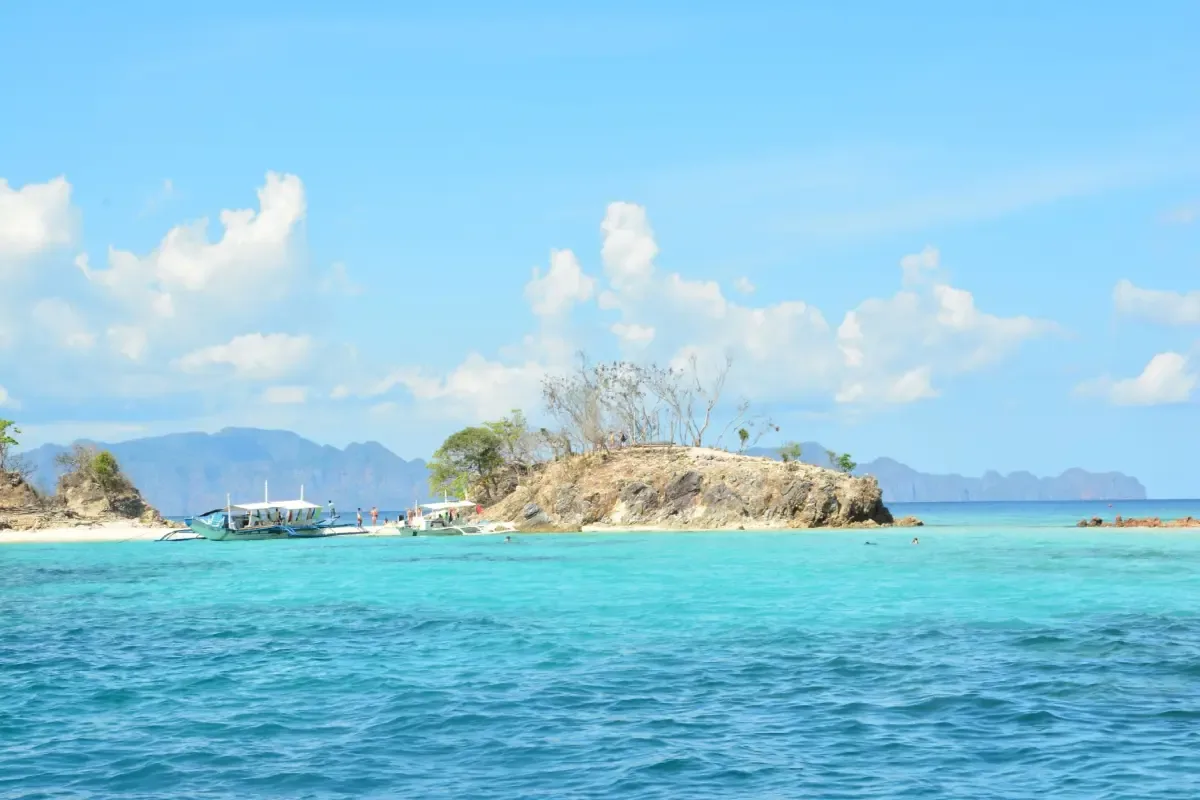
- Inter-island boats and ferries. The sea crossings between islands are largely dead zones. Do not rely on calling during a boat transfer.
Keeping calls stable in the Philippines
Most call problems in the Philippines come from the archipelago geography, not restrictions. A few habits handle the majority of them.
- Make important calls from the cities or main islands. Time work calls and check-ins for when you are in Manila, Cebu or a major island town rather than a remote beach.
- Use wifi calling where resorts have real wifi. Some island resorts have satellite or fixed wifi that beats the local mobile signal, though it can be slow.
- Lower video quality before island-hopping. Reducing WhatsApp or Messenger video quality pre-empts the app fighting a signal it cannot sustain.
- Expect boat crossings to be offline. Do not schedule calls for inter-island ferries or island-hopping boat trips. Assume no signal on the water.
- Consider dual coverage. The two main networks, Globe and Smart, have different strengths by area. A plan that can use the stronger local network helps on marginal islands.
Never schedule a critical call during an inter-island boat crossing or an island-hopping day trip in the Philippines. The sea between islands has no mobile coverage, and no plan size or device setting changes that. If you have a work call or a family check-in that cannot move, make it from the departure town before you board, or from the destination once you have confirmed signal on arrival. With thousands of islands and constant boat travel, this is the most predictable call failure in the country and the most avoidable.
Data plan sizing for callers
If staying reachable is a real part of your the Philippines trip, size your plan for your calling pattern rather than guessing.
| Calling habit | Add to base data budget | Example |
|---|---|---|
| Occasional voice calls | Add 0 GB. Negligible. | A standard tourist plan is unaffected. |
| Daily ten-minute voice calls | Add 0.1 GB over two weeks. | Within any standard plan. |
| Daily ten-minute video calls | Add 0.7 to 1.1 GB over two weeks. | Round up your plan by one size tier. |
| Daily hour-long video calls (remote work) | Add 4 to 7 GB per week. | Treat video as a major data category. |
The Philippines takeaway: voice callers can ignore calling data entirely, and daily video callers should add one tier. The bigger planning factor is coverage across the islands, so schedule important calls for the cities and major island towns, and treat remote islands and boat trips as intermittent.
The honest framing for the Philippines is that an eSIM gives you good data where the network reaches and nothing on the many islands and crossings where it does not. The cities and major tourist islands are workable for calls and remote work; the remote beaches, small islands and boat trips are where you accept being off-grid. Install Messenger to unlock local business across the archipelago, keep WhatsApp for home, and plan your important calls around the connected islands rather than the remote ones.
Plans for the Philippines
the Philippines eSIM plans
Prices in USD. Instant QR activation. Pick your data, land connected.
FAQ
Is WhatsApp blocked in the Philippines?
No. The Philippines does not block WhatsApp, Messenger, FaceTime, Zoom or any calling app. Everything works normally on Philippine mobile data and wifi in 2026, with no VPN needed.
What messaging app do Filipinos use?
Facebook Messenger is overwhelmingly dominant in the Philippines, to the point that Facebook functions as the internet for many people. Businesses, guesthouses and dive shops run their contact through Facebook pages and Messenger, often with no website. Viber is also popular. Install Messenger to reach local businesses.
How much data does a daily video call use in the Philippines?
About 5 MB per minute, so a ten-minute daily video call uses roughly 50 MB per day and around 700 MB over two weeks. Voice-only calls are negligible at about 0.5 MB per minute. Across the islands, whether you have signal at all is a bigger question than how much data you have.
Will my calls work while island-hopping?
Not on the water. Inter-island boat crossings and island-hopping trips are largely dead zones with no mobile coverage, and remote islands range from patchy to absent. Make important calls from the cities or main island towns, and treat boat trips as offline.
Can I use Messenger for calls in the Philippines?
Yes, fully. Facebook Messenger voice and video calls work normally on Philippine mobile data, and Messenger is by far the most widely used app in the country. It is usually the best way to reach local businesses and operators, who overwhelmingly prefer it to WhatsApp.