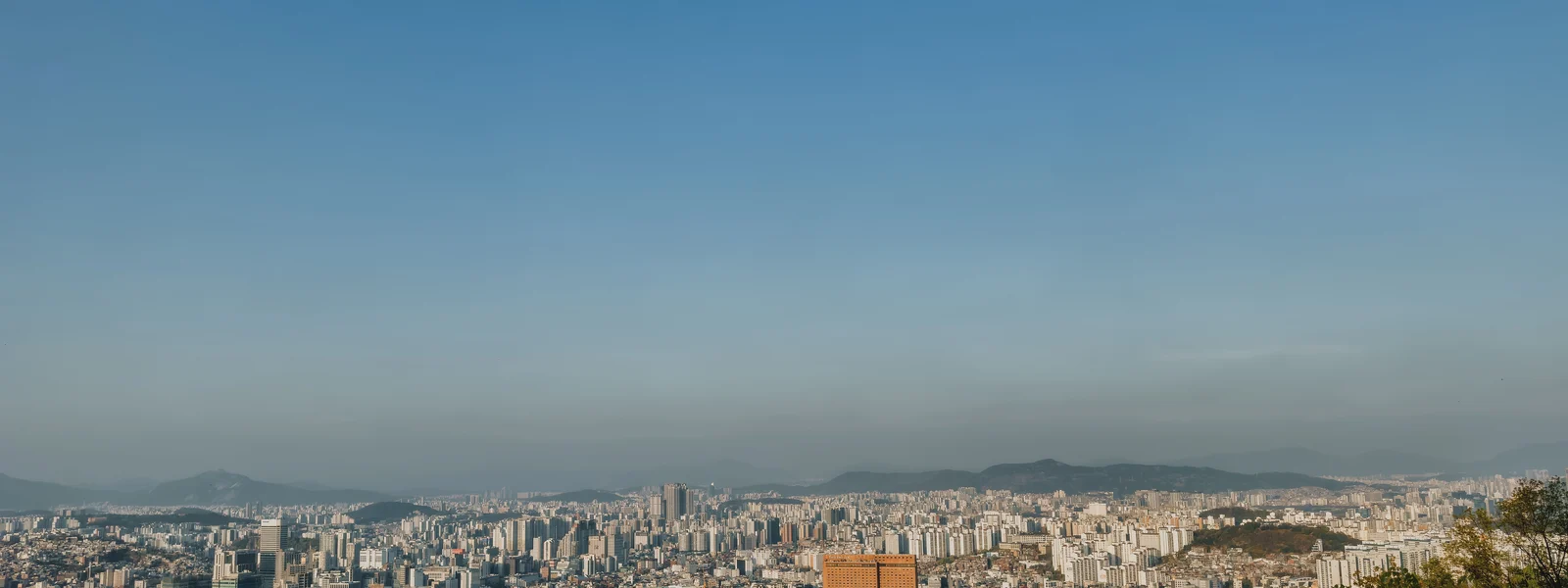
eSIM for Seoul 2026
Seoul is one of the most connected cities on earth. Twelve districts, 10 million people, a subway with 300+ stations, and a 5G network that works in most of the tunnels connecting them. For a traveler, this means your eSIM is reliable in virtually every situation - but the city's data-intensive apps mean you will burn through a small plan faster than expected if you are not paying attention.
How Seoul consumes data differently from other Asian cities
Seoul is built around apps. Kakao Maps for navigation, Kakao T for taxis, Naver for restaurant reservations, Papago for translation. Many restaurants require booking through Naver or Kakao platforms. The entire city runs on a smartphone ecosystem that assumes you have data. This is not a problem - it is an advantage - but it does mean your daily data consumption in Seoul is higher than in a comparable Southeast Asian city where you might rely more on walking and printed maps.
| Activity | Estimated daily data | Notes |
|---|---|---|
| Kakao Maps navigation (active use) | 300 to 600 MB | Higher with real-time transit updates |
| Kakao T (ride-hailing, multiple trips) | 50 to 100 MB | Background location tracking while app is open |
| Papago translation (active use) | 100 to 200 MB | Camera translation uses more than text |
| Social media (Instagram, posting photos) | 500 MB to 1.5 GB | Uploading photos and videos is the main driver |
| Streaming (Netflix, YouTube, 1 hour) | 1 to 3 GB | Depends on quality setting |
| Messaging only (WhatsApp, Kakao) | 50 to 150 MB | Voice notes and video clips add significantly |
A realistic Seoul day covering neighborhoods on public transit, using Kakao Maps actively, posting occasionally, and translating menus will consume 1.5 to 2.5 GB. A plan of 10 GB covers a standard week comfortably. A 20 GB plan gives peace of mind for two weeks without rationing.
Seoul neighborhoods: coverage in the places travelers actually go
Coverage is excellent throughout Seoul, but knowing the character of each area helps set expectations.
| Neighborhood | Coverage | Connectivity character |
|---|---|---|
| Gangnam / Apgujeong | Dense 5G | High-rise district with excellent indoor penetration. Business hotels, coworking spaces, fast wifi everywhere. |
| Hongdae | Dense 5G | University district with heavy pedestrian traffic. Signal occasionally slows in peak weekend crowds but remains usable. |
| Insadong / Bukchon | Strong 4G / 5G | Historic low-rise areas with traditional architecture. Excellent coverage despite older building stock. |
| Myeongdong | Dense 5G | Shopping district with very high device density. Network handles the load - no perceptible slowdown even during peak tourist hours. |
| Itaewon / Yongsan | Strong 5G | International district near US military base. Full coverage, English-friendly environment. |
| Dongdaemun | Strong 4G / 5G | 24-hour fashion wholesale district. Good coverage throughout the night market area. |
Seoul subway: using your eSIM underground
Seoul Metro's 23 lines and 300+ stations form one of the most extensive urban rail systems in the world. In-tunnel mobile coverage is a deliberate infrastructure investment, not an accident. The practical effect is that you can navigate, book restaurants, and message continuously throughout a subway journey without signal interruption in most cases.
The AREX express train from Incheon International Airport to Seoul Station takes 43 minutes and has 4G coverage throughout the journey. Your eSIM will connect to a Korean carrier while you are still at the airport and remain connected on the train. By the time you reach Seoul Station, you will have had 43 minutes of data-confirmed connectivity to sort out the rest of your arrival logistics.
How to set up your eSIM on arrival at Incheon
Incheon is one of the world's best airports, and its mobile setup mirrors that quality. Full 5G coverage in all terminals means you can troubleshoot an eSIM setup if needed. But the ideal sequence starts before you board.
Scan the QR code from your provider before departure. The profile installs without using Korean network access - you just need wifi or home mobile data for the download.
In Settings, assign your Korea eSIM as the default data line. Leave your home SIM active for calls. This means you land connected without touching settings.
Your phone connects to SKT, KT, or LG U+ within seconds. The carrier name appears in the status bar. You are connected before you reach passport control.
Connected on the train. Use the 43 minutes to confirm your accommodation, download offline map tiles for your first neighborhood, and message anyone who needs your arrival update.
Practical Seoul data tips
- Download Kakao Maps offline tiles before arriving - do this on home wifi. The Seoul metro area offline package is large; downloading it on eSIM data is wasteful.
- Use the T-money card for transit, not data - Seoul subway does not require data to ride. A T-money card (available at any convenience store or airport counter) handles all fares. Your eSIM handles navigation.
- Naver Map for hiking trails - Kakao Maps is better for city navigation; Naver Maps has better trail data for Bukhansan and other Seoul-area hiking. Download both.
- Myeongdong has free public wifi - the shopping district has public hotspots. Useful for saving eSIM data during long shopping sessions, though coverage is spotty.
- Most coworking spaces and cafes have fast wifi - Seoul's cafe culture has produced an ecosystem where good wifi is almost assumed. Your eSIM serves as backup and transit connectivity.
Seoul for longer stays: when to switch to a local SIM
For stays of a month or more in Seoul, a local Korean prepaid SIM from SKT, KT, or LG U+ offers significantly more data per dollar than travel eSIM pricing. The registration process requires a passport and takes 15 to 20 minutes at an airport counter or carrier store near Myeongdong or Hongdae. Long-term travelers and digital nomads who plan to be based in Seoul will find the per-GB economics decisive after about the three-week mark. For shorter stays, travel eSIM convenience wins.
| Stay length | Recommendation | Reason |
|---|---|---|
| Up to 2 weeks | Travel eSIM | No registration, instant setup, keeps home SIM active |
| 2 to 4 weeks | Travel eSIM or local SIM | Cost difference narrows; depends on data volume needed |
| 1 month or more | Local Korean SIM | Significantly better value; registration is manageable for long stays |
Plans for South Korea
South Korea eSIM plans
Prices in USD. Instant QR activation. Pick your data, land connected.
FAQ
Which eSIM network is best for Seoul?
All three - SKT, KT, and LG U+ - deliver dense 5G coverage throughout Seoul's districts. KT leads on raw speed in the city center. LG U+ has the best subway tunnel penetration. SKT has the widest overall footprint. The difference between them in central Seoul is academic - all three are fast and reliable.
How much data do I need for a week in Seoul?
A 10 GB plan covers a standard week comfortably. Daily consumption for navigation, ride-hailing, translation, and social media typically runs 1.5 to 2.5 GB. If you plan to stream video on mobile or tether a laptop, move up to 15 or 20 GB.
Does the Seoul subway have mobile signal?
Yes, on most lines. In-tunnel 4G coverage is standard throughout Seoul Metro, and 5G is available on many sections. LG U+ has the strongest in-tunnel 5G footprint. Signal is consistent enough for maps and messaging during your entire commute.
Can I use Kakao Maps without a Korean SIM?
Yes. Kakao Maps works on any internet connection, including a travel eSIM. You do not need a Korean phone number or local SIM. Download the app and offline map tiles before arriving to minimize eSIM data usage.
Is there wifi available in Seoul?
Extensive public wifi exists in subway stations, many parks, and tourist districts like Myeongdong and Insadong. Korean cafes almost universally have fast wifi. Your travel eSIM serves as the reliable fallback when public wifi is slow or requires registration.